Organization-based login
WSO2 Identity Server supports B2B application login, allowing users of your partner or customer organizations to log in using their own organization's identity. This section covers organization-based login using the enhanced organization authentication model.
Before you begin
This guide covers the enhanced organization authentication model. To verify that your application is using this approach:
- On the WSO2 Identity Server Console, go to Applications and select your B2B application.
- Go to the Shared Access tab.
- Check whether Enhanced Organization Authentication is enabled.
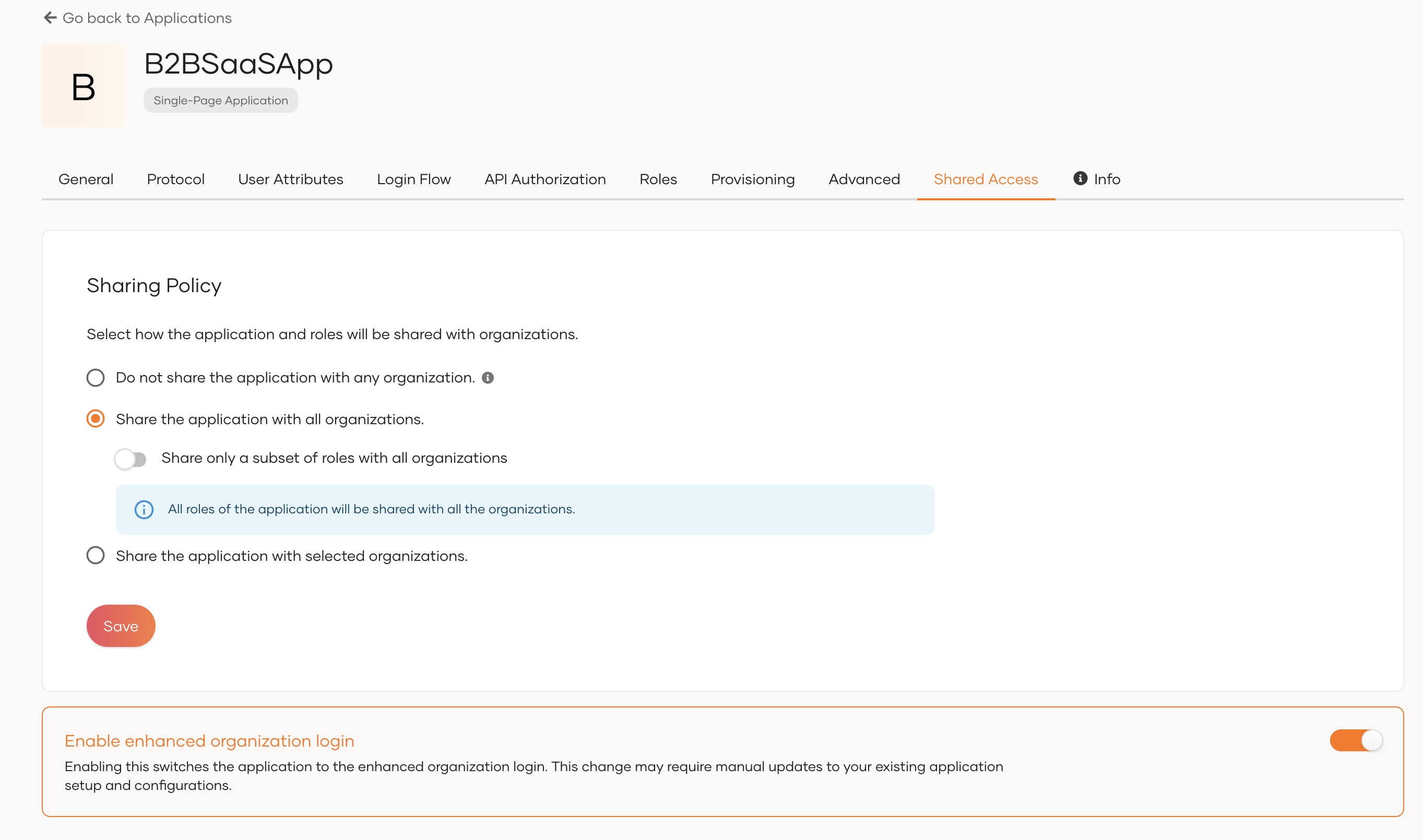
If Enhanced Organization Authentication is not enabled, your application is using the legacy approach. See Organization login - legacy approach.
Start organization login
Two methods are available for starting organization login.
Method 1: Start from the root organization endpoint
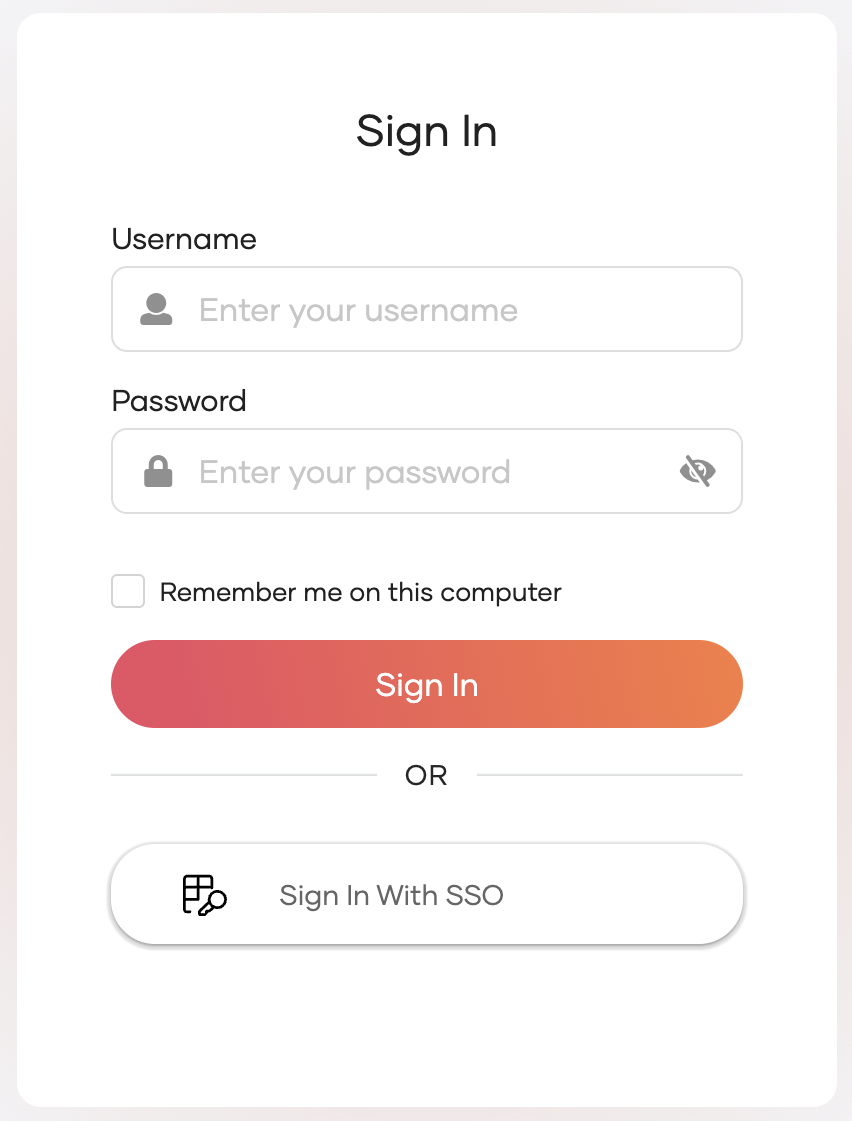
Send the authentication request to the root organization's endpoint. WSO2 Identity Server will prompt users to identify their organization when the Sign in with SSO option is selected during the login flow.
Tip
You can route users directly to their organization by including an organization discovery parameter in the request — such as orgHandle, org (organization name), orgId (organization ID), or an email domain hint. See Organization discovery.
Method 2: Start from the direct organization path
Send the authentication request directly to the organization's endpoint using the root organization handle and the accessing organization's ID.
Replace <root_org_handle> with the handle of your root organization and <org_id> with the accessing organization's ID.