Set up
The following guide explains how you can install and set up Sift in WSO2 Identity Server.
Prerequisites
You need to have a Sift account. If you don't have an account, create one by visiting the Sift website.
Step 1: Install the Sift connector
Follow the steps below to install Sift in WSO2 Identity Server.
-
Download the project artifacts from the WSO2 Identity Server connector store.
-
Copy the
org.wso2.carbon.identity.fraud.detection.sift-<version>.jarfile to the<IS_HOME>/repository/components/dropinsdirectory. -
Restart WSO2 Identity Server.
Step 2: Add the API key
To work with Sift, you need to register your Sift API key in WSO2 Identity Server. To do so,
-
On the WSO2 Identity Server Console, go to Login & Registration.
-
Click Fraud Detection and enter the API key.
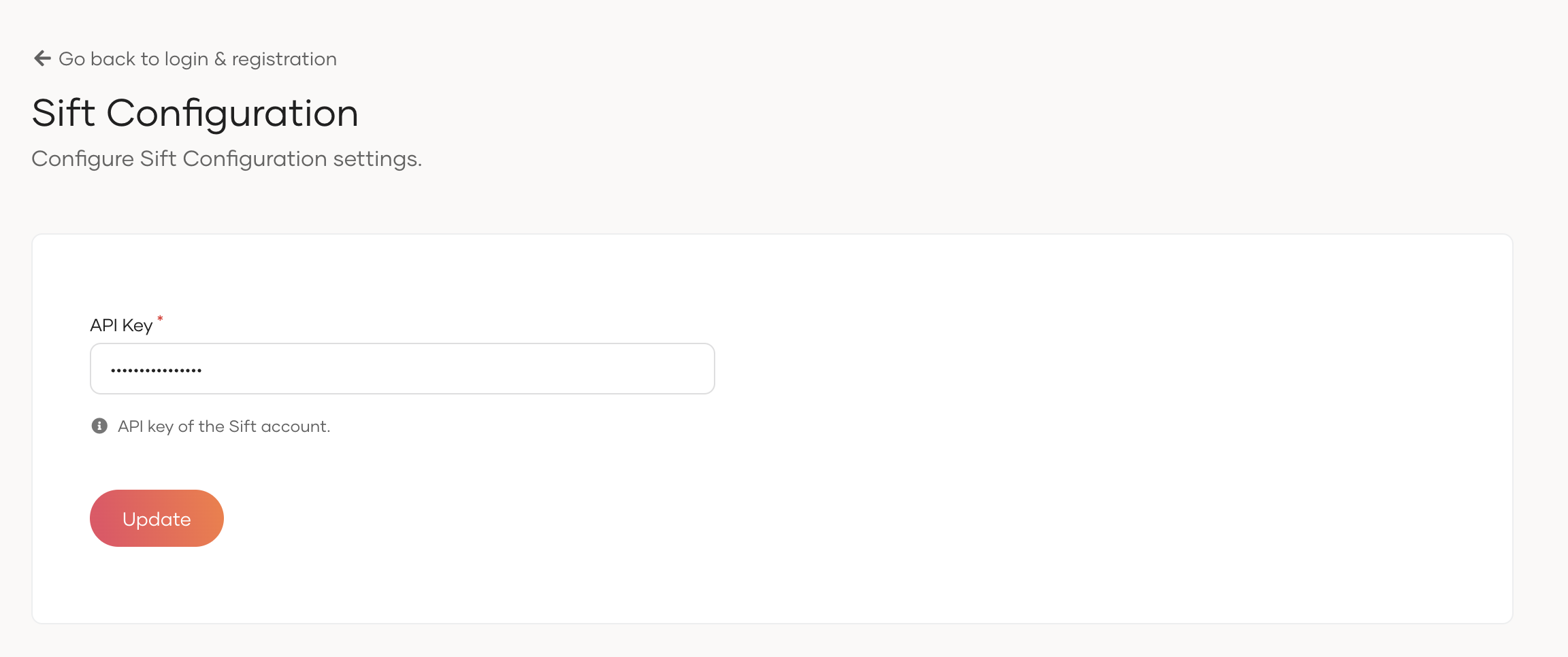
-
Click Update to save the changes.