Add logout with OIDC to application
OpenID Connect provides OpenID Connect RP-Initiated Logout to terminate user sessions. The logout endpoint is used to terminate the user session at WSO2 Identity Server and to log the user out. When a user is
successfully logged out, the user is redirected to the post_logout_redirect_uri sent in the logout request.
Note
Your application should redirect the user's browser to the logout endpoint, as WSO2 Identity Server uses the browser session to identify the session to terminate. To terminate user sessions from a backend service, use the Session Management API. The application calling this API should be authorized to access the Session Management API with the internal_session_delete scope.
Logout endpoint
Sample request
Redirect the user's browser to the logout endpoint with the following parameters. Make sure to URL-encode the parameter values.
https://localhost:9443/oidc/logout?
id_token_hint=<id_token>
&post_logout_redirect_uri=<post_logout_redirect_uri>
&state=<state>
The logout request has the following parameters:
Note
See RP-initiated logout request for more details.
| Request Parameter | Description |
|---|---|
id_token_hint |
The ID token that WSO2 Identity Server returned to the application in the token response. It gives WSO2 Identity Server a hint about the user's current authenticated session on the application. |
client_id |
The client ID obtained when registering the application in WSO2 Identity Server. This can be used instead of the id_token_hint parameter. |
post_logout_redirect_uri |
The URL to redirect the user to after logout. The value defined here should be added as one of the authorized redirect URLs. This should be passed along with either the id_token_hint or the client_id.
If the post_logout_redirect_uri parameter is not passed, the user will be routed to WSO2 Identity Server's common page after logout.
|
state |
The parameter passed from the application to WSO2 Identity Server to maintain state information. If an application sends this parameter, WSO2 Identity Server will return this information in the response. |
Sample response
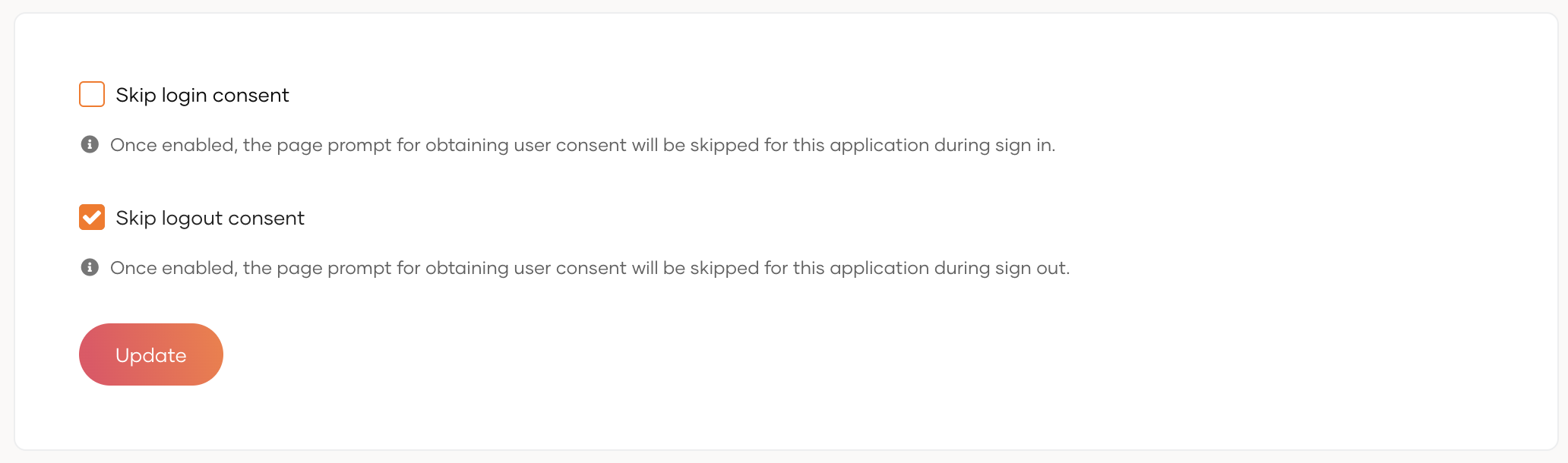
If Skip logout consent is disabled for the application, WSO2 Identity Server prompts the user to confirm the logout before logging the user out. To configure this, go to Applications in the WSO2 Identity Server Console, select your application, and use the Skip logout consent option in its Advanced tab.