OAuth Token Hashing
WSO2 Identity Server (WSO2 IS) allows you to enable OAuth2 token hashing to protect OAuth2 access tokens, refresh tokens, consumer secrets, and authorization codes.
Note
-
Token hashing is only required if there are long lived tokens.
-
If you want to enable this feature, WSO2 recommends using a fresh WSO2 Identity Server distribution.
-
To use this feature with an existing database, you may need to perform data migration before you enable the feature. If you have to perform data migration before you enable this feature, Contact us.
Set up OAuth token hashing
-
Add the following configurations to the
deployment.tomlfile found in the<IS_HOME>/repository/conffolder.-
Add the following property and set it to true to enable hashing.
-
Add the following configuration to specify the algorithm to use for hashing:
-
Add the following token persistence processor to enable token hashing:
[oauth.extensions]
token_persistence_processor = "org.wso2.carbon.identity.oauth.tokenprocessor.HashingPersistenceProcessor"
Tip
WSO2 Identity Server allows you to use hashing algorithms supported by MessageDigest. For more information on hashing algorithms supported by MessageDigest, see MessageDigest Algorithms.
The default algorithm for hashing is SHA-256.
-
-
Run the appropriate database command to remove the
CONN_APP_KEYconstraint from theIDN_OAUTH2_ACCESS_TOKENtable.For example, if you are using an H2 database, you need to run the following command:
Tip
In general, for a specified consumer key, user, and scope, there can be only one active access token. The
CON_APP_KEYconstraint in theIDN_OAUTH2_ACCESS_TOKENtable enforces this by allowing only one active access token to exist for specified consumer key, user, and scope values.With regard to hashing, a new access token is issued for every access token request. Therefore, for a given consumer key, user, and scope, there can be multiple active access tokens. To allow existence of multiple active access tokens, you need to remove the
CONN_APP_KEYconstraint from theIDN_OAUTH2_ACCESS_TOKENtable.
Configure a service provider
Follow the steps below to register an application:
-
On the WSO2 Identity Server Console, go to Applications.
-
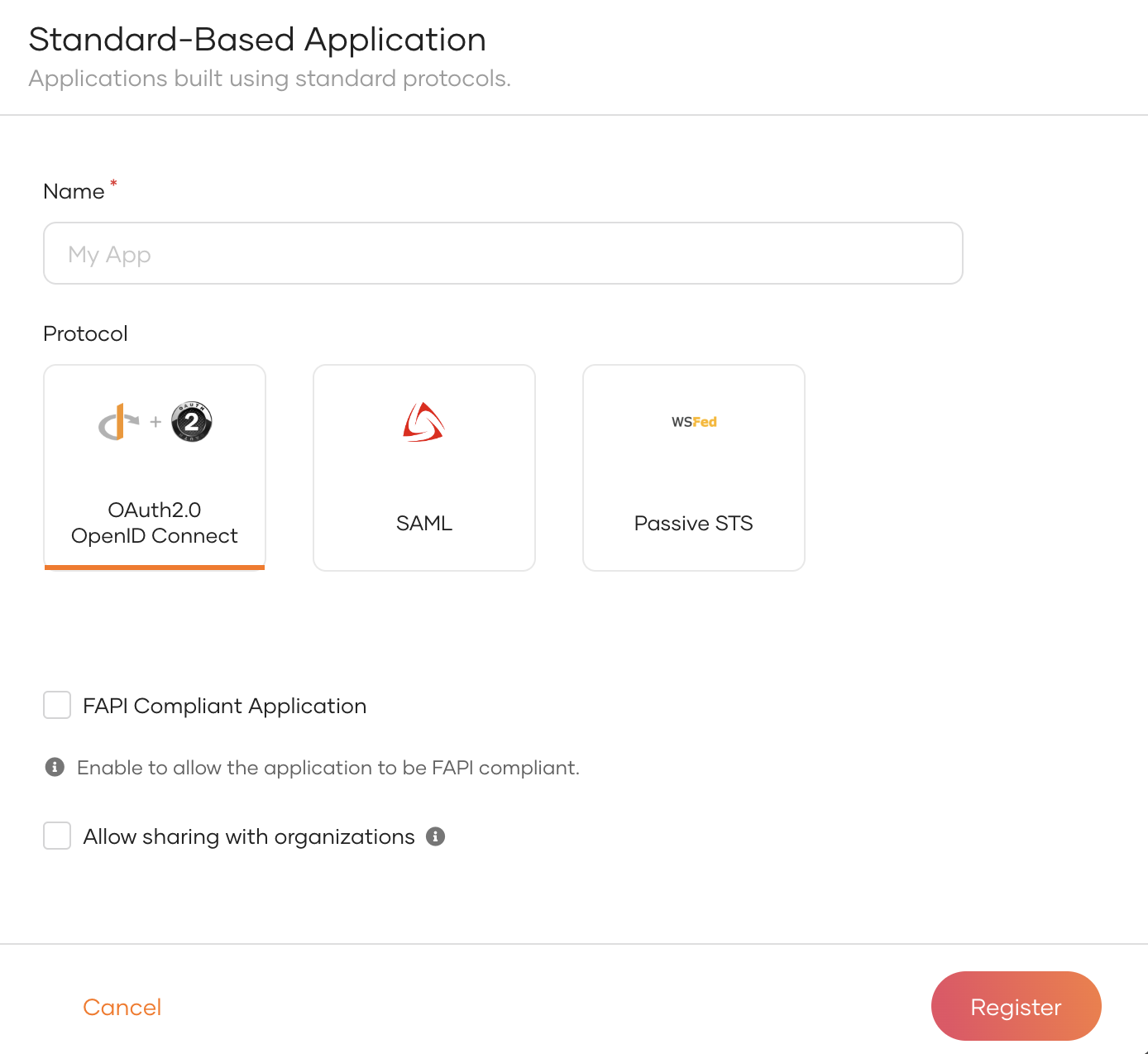
Click New Application and select Standard-Based Application to open the following:
-
Provide an application name.
-
Select OAuth 2.0 OpenID Connect as the application protocol.
-
Click Register to complete the registration.
Tip
The Consumer Secret value is displayed in plain text only once. Therefore, be sure to copy and save it for later use.
You have successfully set up OAuth token hashing. Now all of the OAuth2 access tokens, refresh tokens, consumer secrets, and authorization codes will be hashed in the database.